Spoiler alert: For modern homes and offices, the choice is almost always clear.
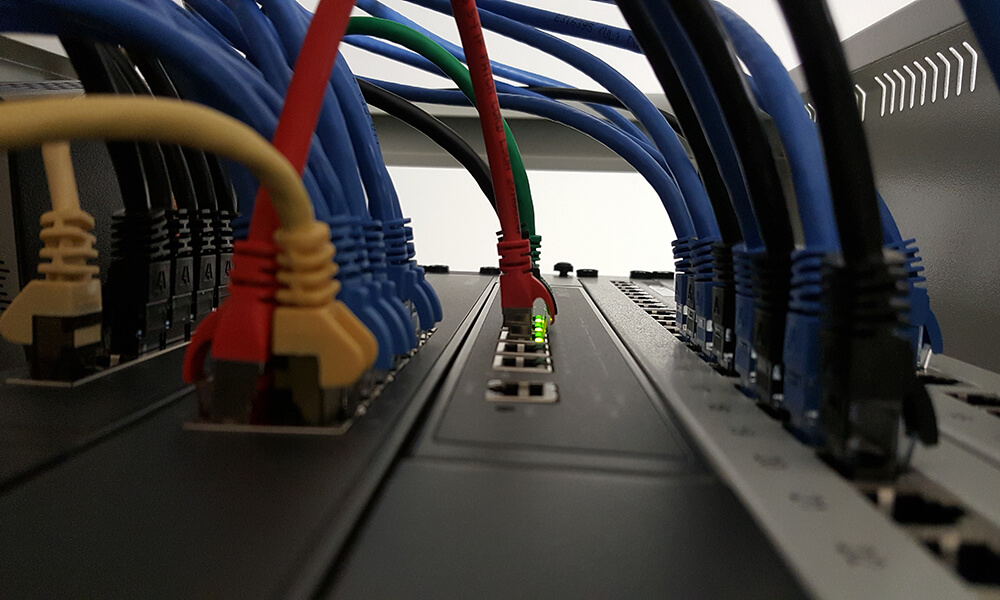
Hey there! If you’re staring at a tangle of Ethernet cables and wondering how to connect more devices, you’ve probably come across two little boxes: the Ethernet switch and the Ethernet splitter. They seem to do the same thing, right? Get you more ports?
Well, not exactly. Choosing the wrong one can leave you with a slow, frustrating network. Let’s break it down in plain English so you can make the smart buy.
The Quick and Dirty Summary
Think of it this way:
- An Ethernet Switch is like a smart, power-hungry traffic cop for your data. It actively manages the flow of information to make sure everything runs smoothly and at top speed.
- An Ethernet Splitter is like a dumb, passive Y-connector. It just takes one signal and tries to split it in two, often with major compromises.
Now, let’s get into the details.
What is an Ethernet Splitter?
An Ethernet cable has 8 tiny wires inside. For slower speeds (like 100 Mbps or “Fast Ethernet”), only 4 of these wires are actually used. A splitter is a cheap, simple adapter that exploits this.
- How it works: You use two splitters as a set. One splitter at your router combines two separate data streams from two ports into a single cable. The other splitter, at the other end, separates them back out to two devices.
- The Major Catch: It only works in pairs, and it forces your connection down to 100 Mbps. You’re also using up two ports on your router for just two devices. It’s a clunky, inefficient system from an earlier era.
You might consider a splitter only if:
- You’re in a serious pinch for cash.
- You’re dealing with very old equipment that only supports 100 Mbps.
- You absolutely must run just one cable through a wall and only need to connect two low-bandwidth devices (like a printer and a VoIP phone).
For 99% of people today, this is not the right solution.
What is an Ethernet Switch?
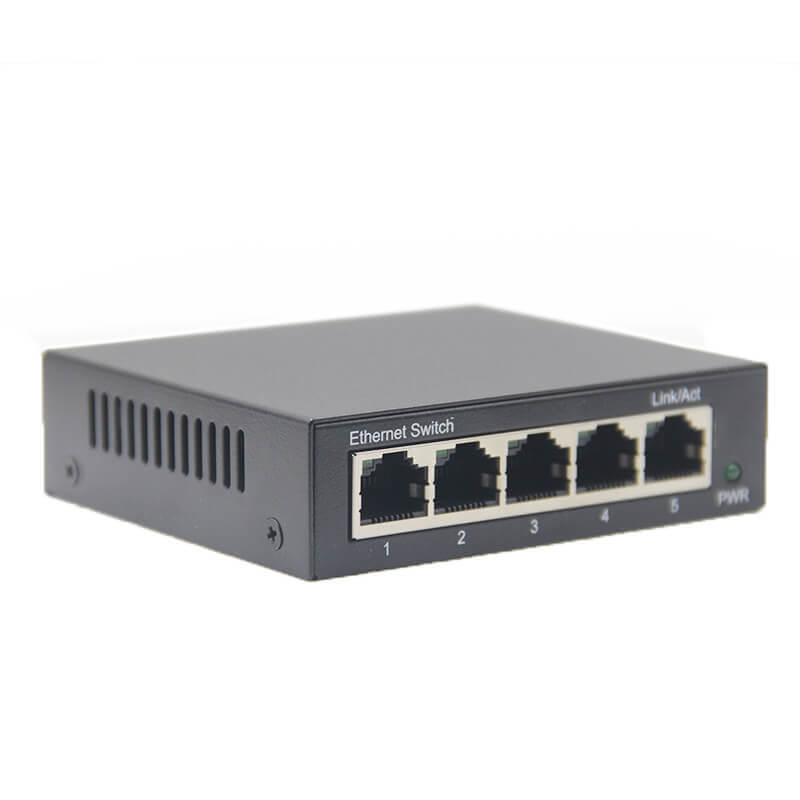
An Ethernet switch is the modern, correct tool for the job. It’s a small, powered device that you plug into a single port on your router. The switch then gives you multiple additional ports—like 4, 8, 16, or more.
- How it works: The switch is intelligent. It learns which devices are connected to which port and directs traffic only where it needs to go. If your laptop is talking to the NAS, that traffic doesn’t get sent to your gaming console. This makes your entire network more efficient.
- The Big Benefits:
Full Speed: A Gigabit switch (the standard today) gives you a full 1,000 Mbps (1 Gbps) to every single port, simultaneously.
No Bandwidth Hogging: Devices don’t have to fight for a lane. The switch manages the connections intelligently.
Simple and Scalable: Plug and play. Need more ports? Just daisy-chain another switch.
You should buy a switch if:
- You have a modern router and want to connect multiple computers, game consoles, smart TVs, and streaming devices.
- You care about speed and performance for activities like gaming, 4K streaming, or large file transfers.
- You want a reliable, “set it and forget it” solution.
This is the recommended choice for virtually every home and small office.
| Feature | Ethernet Switch | Ethernet Splitter |
|---|---|---|
| How it Works | Intelligent, active device | Passive, dumb adapter |
| Speed | Supports modern Gigabit (1000 Mbps) and beyond | Limited to 100 Mbps |
| Port Usage | 1 router port = 4+ new ports | 2 router ports = 2 device ports |
| Performance | Dedicated bandwidth per port; no slowdowns | Shared bandwidth; potential for congestion |
| Ease of Use | Plug and play; highly flexible | Requires a specific pair and setup; inflexible |
| Best For | Everyone. Modern homes, offices, gaming, streaming. | Niche cases. Temporary, low-budget, low-speed fixes. |
So, which one should you buy?
Go with an Ethernet Switch. It’s not even a close contest.
For about $20-$30, you can get a high-quality, 5-port Gigabit switch from a reputable brand like TP-Link, Netgear, or Levinlink. It will future-proof your network, deliver the speeds you’re paying your internet provider for, and work seamlessly without any weird configuration.
An Ethernet splitter might seem like a cheaper upfront cost, but its limitations make it a false economy. In 2023 and beyond, the humble Ethernet switch is the undisputed champion for expanding your wired network.
Hope this clears things up! Happy networking!